


Available Worldwide
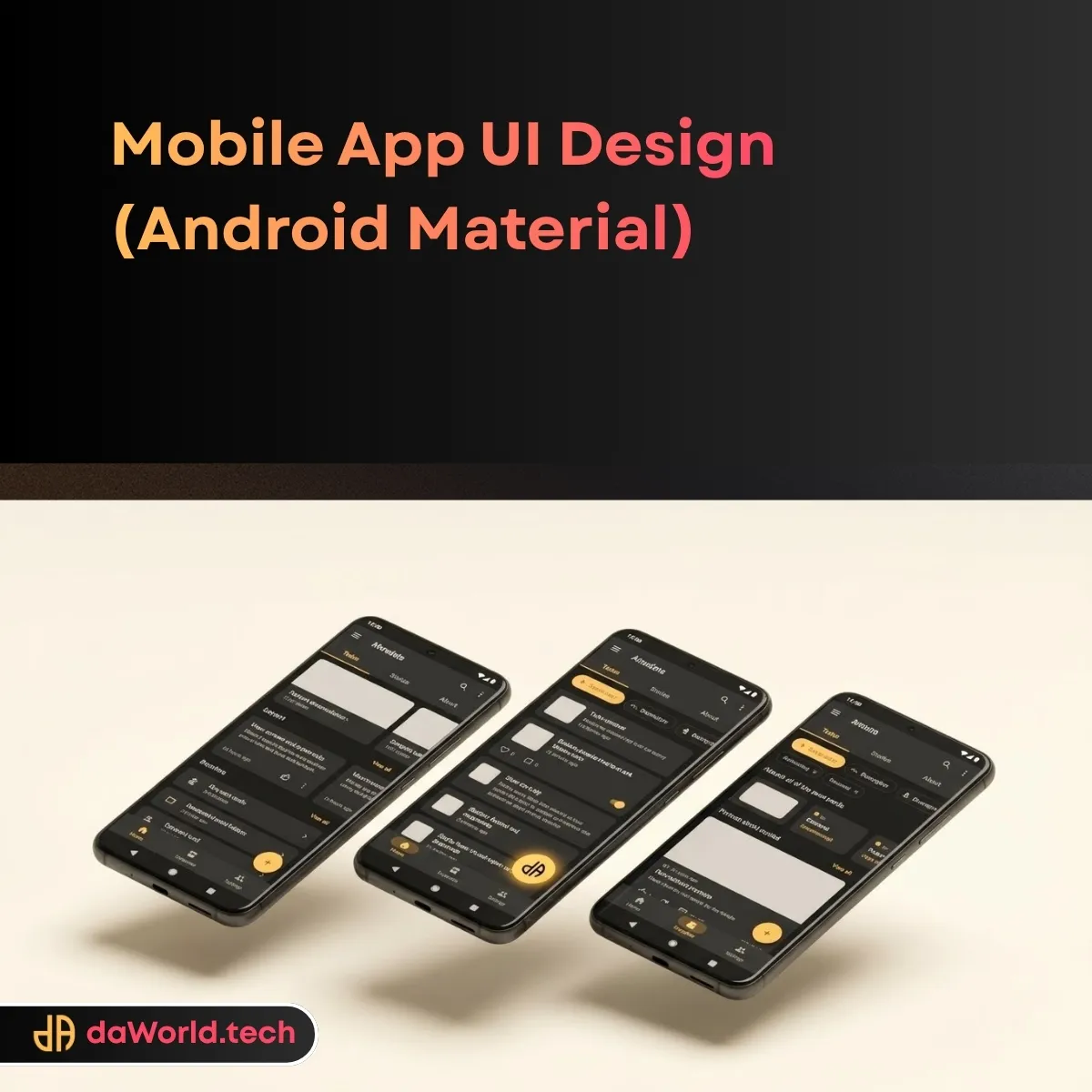
Stop using iOS clones on Android; deploy a native, aggressive Android Mobile App UI Design that leverages the full power of Material Design.
Turnaround
Quality Spec
Rights
DELIVERABLES

Master Figma Source File (.fig)
Interactive Android Prototype (Figma Link)

Material Design Style Guide (Color, Type, Elevation)

M3 Component Library (FABs, Cards, Chips)

Exported Assets (mdpi, hdpi, xhdpi, xxhdpi, xxxhdpi)

Material Iconography Set (SVG)

Developer Handoff Specs (Jetpack Compose Ready)
SCOPE: INCLUSIONS & EXCLUSIONS
Included
-
Custom UI Design for up to 5 Unique Screens
-
Light Mode & Dark Mode Variants
-
Material Navigation Patterns (Bottom Nav, Drawers)
-
Dynamic Color Token Setup
-
Android System Bar & Gesture Navigation Considerations
-
Ripple Effect & State Visualization
-
Accessibility Check (Color Contrast & Touch Targets)
-
Support: 7-Day Bug Fix Period
-
QC: 20-Point daWorld Technical Audit
Excluded
-
Kotlin/Java Development
-
iOS Human Interface Adaptation
-
Google Play Store Screenshots or Feature Graphics
-
Custom Illustration or 3D Assets
-
User Testing or Focus Groups
REQUIREMENTS TO START
To ensure a smooth start to your project, we require the following items immediately after checkout:
- 1 The Brief: Automated intake form completion
- 2 User Flow Diagram or User Stories
- 3 Wireframes (Lo-Fi) or Sketches
- 4 Brand Assets (Logo, Colors)
- 5 Reference Apps (Visual Benchmarks)
Frequently Asked Questions
Is this ready for development?
Yes. We provide specific density buckets and specs ready for Android Studio import.
Do you use Material Design 2 or 3?
We default to the latest Material Design 3 (M3) unless you specifically request legacy support.
Can you do iOS too?
This specific SKU is for Android. Please add our "iOS Human Interface" service to your cart for Apple designs.
How do you handle different screen sizes?
We design using constraints and auto-layout to ensure the UI adapts from Pixel phones to foldables.
What about Dark Mode?
We include Dark Mode variants for key screens as standard protocol, adhering to material elevation principles.




 Strategic Branding
 Stationery & Print Assets
 Visual Identity
 2D Animation
 3D Animation
 CGI (Computer Generated Imagery)
 Live Action Video Production
 Motion Graphics
 Post-Production & VFX
 Pre-Production Services
 UX Research & Strategy
