


Available Worldwide
Capture the 85% of users watching on mute with frame-accurate, human-verified subtitles and captions.
Turnaround
Quality Spec
Rights
DELIVERABLES

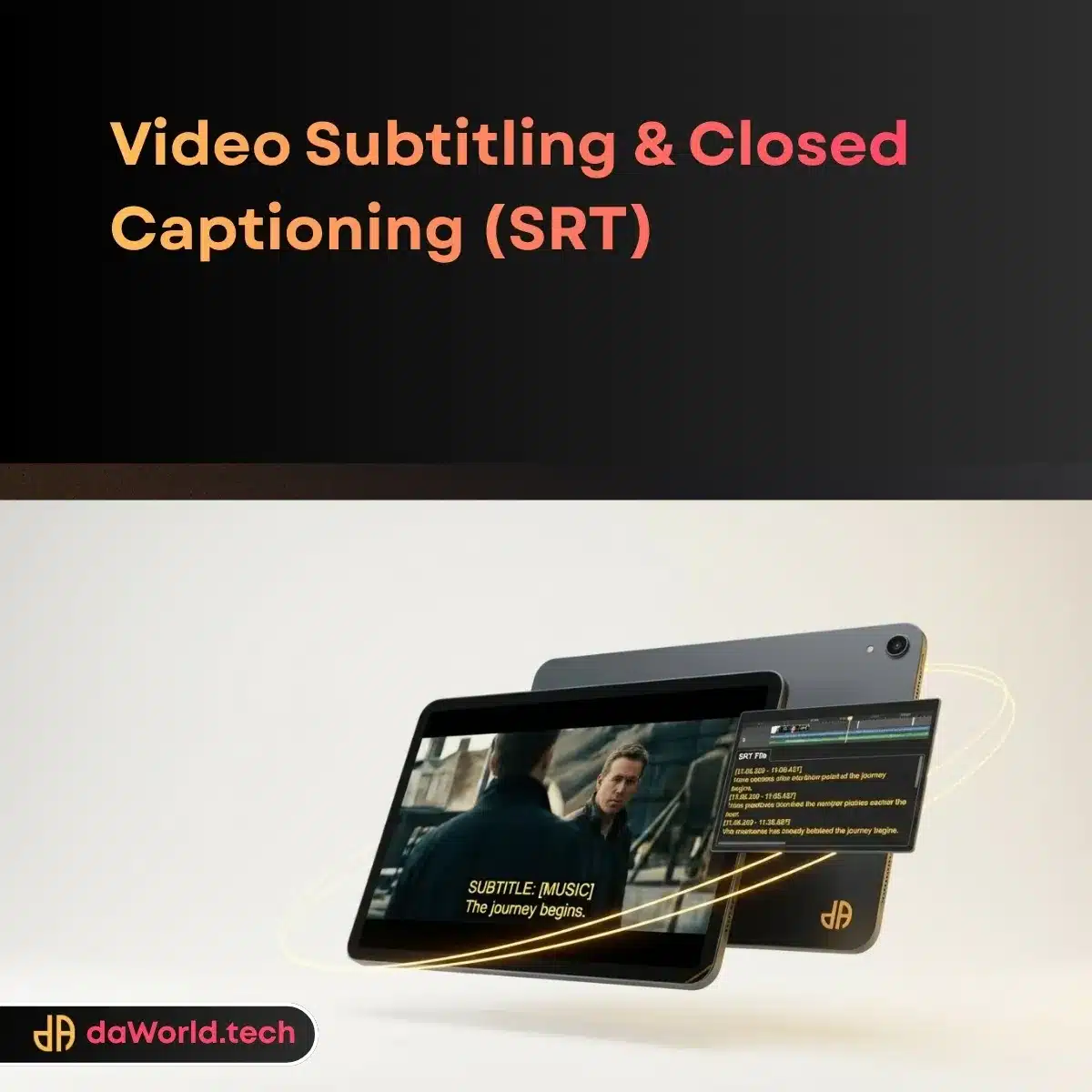
Sidecar File: SubRip (.srt) - Universal compatibility

Sidecar File: WebVTT (.vtt) - HTML5/Web Player optimized

Broadcast File: Scenarist (.scc) - (If requested for TV)

Burned-In Video: MP4 with permanent subtitles (Optional)
SCOPE: INCLUSIONS & EXCLUSIONS
Included
-
Transcription: Manual typing of spoken dialogue
-
Time-Coding: Frame-accurate synchronization of text to audio
-
Speaker Identification: Labeling changes in speakers (e.g., [John]:)
-
Sound Effect Tagging: Non-speech audio cues (e.g., [Upbeat music plays])
-
Formatting: Line breaks and character limits per line (CPL) adjustment
-
Burn-In Design: Custom font, color, and background box for open captions
-
Placement: Moving text to avoid covering on-screen graphics (Lower thirds)
-
Support: 7-Day Bug Fix Period
-
QC: 20-Point daWorld Technical Audit
Excluded
-
Translation / Localization (See "Translation Services")
-
Dubbing / Voiceover
-
Video Editing (Cutting/Trimming content)
-
Hard-coded subtitle removal (We cannot remove existing burned-in text)
REQUIREMENTS TO START
To ensure a smooth start to your project, we require the following items immediately after checkout:
- 1 The Brief: Automated intake form via da1.app
- 2 Source Video: Low-res proxy or link (YouTube/Vimeo/Drive)
- 3 Script: Shooting script or transcript (Optional, accelerates process)
- 4 Style Guide: Font preference (for Burned-in only)
Frequently Asked Questions
What is the difference between CC and Subtitles?
CC includes sound effects (music, slamming doors) for the deaf. Subtitles assume you can hear audio.
What is "Burned-in"?
The text is permanently part of the video pixels. It cannot be turned off.
Do you use AI?
We use AI for a rough draft, but a human *always* corrects and finalizes the timing.
Can you translate to Spanish/French?
This service is for Same-Language captioning. Translation is a separate product.
What file do I need for YouTube?
An .SRT file is the industry standard for YouTube.




 Strategic Branding
 Stationery & Print Assets
 Visual Identity
 2D Animation
 3D Animation
 CGI (Computer Generated Imagery)
 Live Action Video Production
 Motion Graphics
 Post-Production & VFX
 Pre-Production Services
 UX Research & Strategy
